

Choosing the right webcam in 2026 means matching specific features to your primary use case, whether that is streaming, video conferencing, or content creation. Resolution numbers dominate marketing copy, but sensor quality, frame rate, and lighting conditions determine what your audience actually sees. This webcam buying guide 2026 cuts through the spec sheet noise and focuses on what moves the needle for real users. Budget-friendly 1080p webcams start around $70, while premium 4K models begin at $140 and climb from there. Knowing which tier fits your needs saves money and frustration.
What webcam resolution and frame rate should you choose?
Resolution and frame rate are the two specs you will see on every box, but they tell different stories depending on how you use your webcam.
Resolution: 1080p vs. 4K
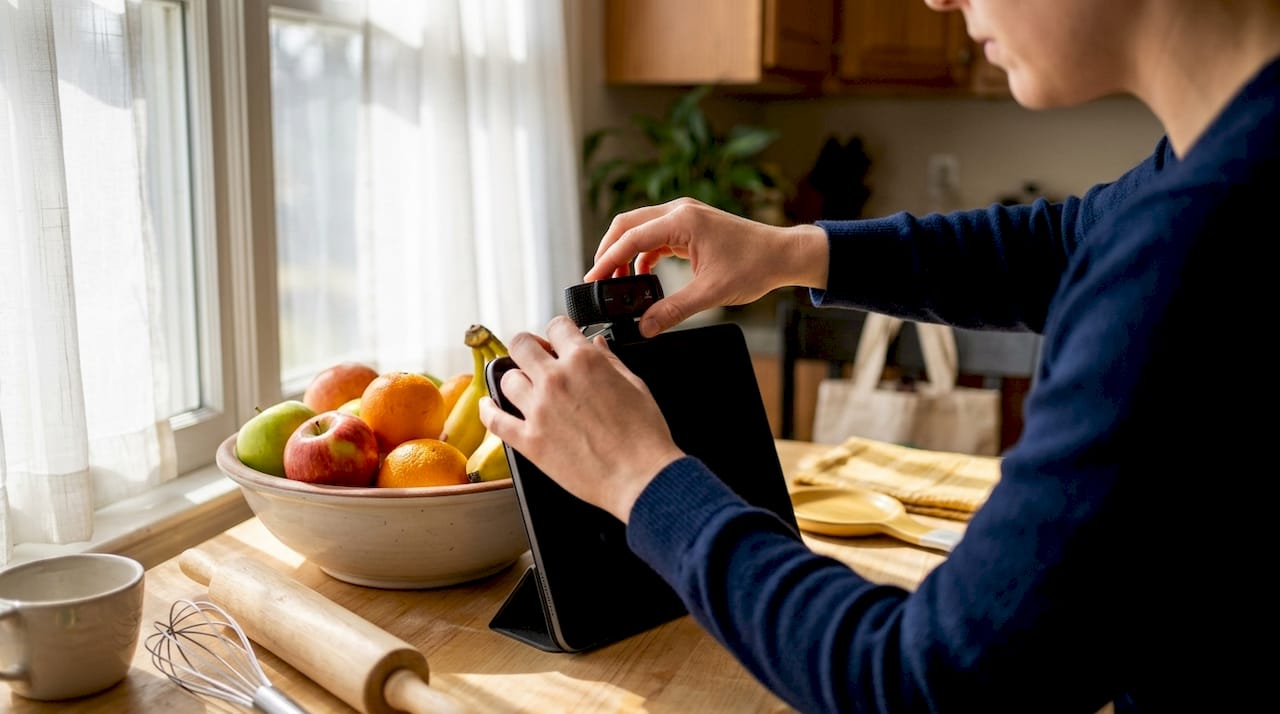
1080p is the standard for video conferencing platforms like Zoom and Microsoft Teams because it balances image quality with bandwidth efficiency. Pushing 4K over a typical home internet connection can cause dropped frames and lag during calls. Content creators are the exception. If you crop, zoom, or reframe footage during editing, 4K gives you the pixel headroom to do it without losing sharpness.
Frame rate: 30fps vs. 60fps
60fps delivers smoother, more natural video than 30fps, which is why it is the preferred setting for gaming streams and fast-moving content. The trade-off is that most 4K webcams cap out at 30fps. A 1080p webcam running at 60fps will look more fluid on screen than a 4K model locked to 30fps. For streamers, that smoothness often matters more than raw resolution.
- 1080p at 60fps: Best for streaming and gaming content where motion clarity counts
- 4K at 30fps: Best for content creators who need detail for post-production editing
- 1080p at 30fps: Sufficient for most video conferencing and remote work calls
- 4K at 60fps: Available on premium models; overkill for most use cases
Pro Tip: If you stream on Twitch or YouTube at 1080p, a 4K webcam adds no visible benefit to your viewers. Spend the price difference on better lighting instead.
Why sensor quality and lens aperture matter more than just pixels
Most buyers fixate on resolution without realizing that sensor size drives low-light performance far more than pixel count. A 4K webcam with a small sensor can produce noisier, grainier footage in a typical home office than a well-built 1080p model with a larger sensor. This is the single most common source of buyer disappointment in webcam purchases.
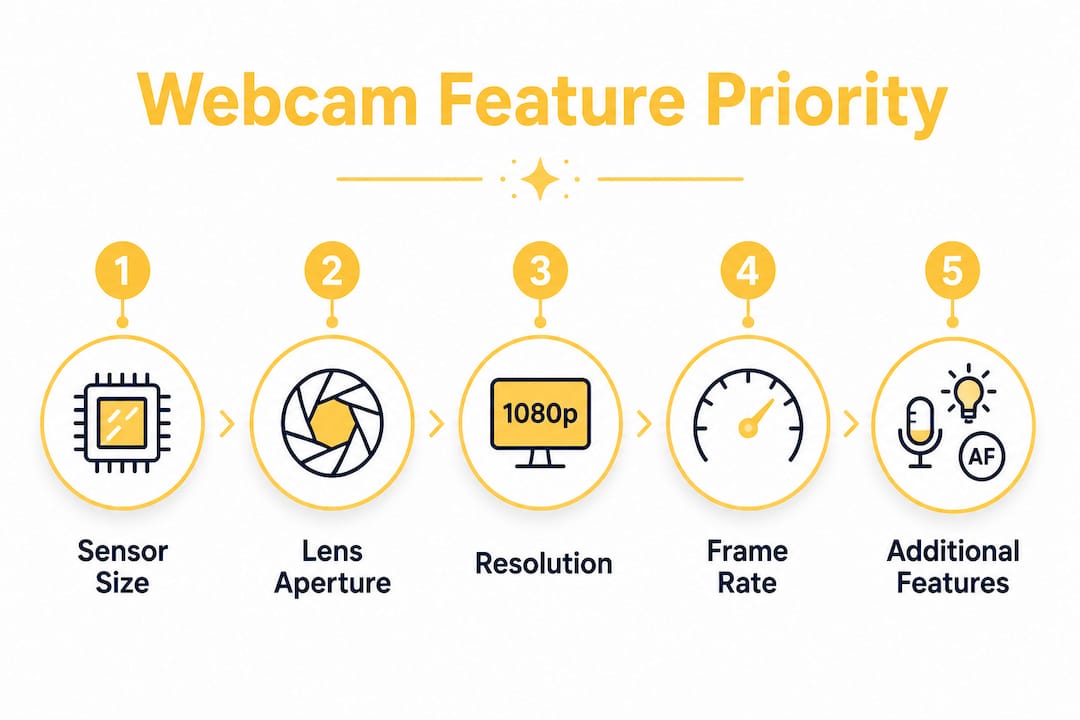
Lens aperture works alongside sensor size. The f-number on a lens describes how much light it lets in. A lower f-number, such as f/2.0, captures more light than a higher one like f/2.8. In practical terms, a webcam with an f/2.0 aperture performs noticeably better in dim rooms without requiring you to buy extra lighting.
Here is how to evaluate sensor and lens quality before you buy:
- Check the aperture value. Look for f/2.0 or lower for good low-light results. Avoid webcams that do not list this spec at all.
- Research the sensor size. Larger sensors capture more light per pixel. A 1/2.5" sensor outperforms a 1/4" sensor in low-light conditions, even at the same resolution.
- Read real-world footage samples. Spec sheets describe potential. User-uploaded footage from similar room conditions shows actual performance.
- Avoid megapixel marketing. Consumers often mistake higher megapixel counts for better video quality. Frame rate and sensor quality usually matter more for live video.
Pro Tip: Test your webcam in the room where you actually use it, not in bright daylight. Low-light performance gaps between models become obvious in real conditions.
How does lighting impact your webcam video quality?
Lighting affects your video quality more than almost any hardware upgrade you can make. Investing in quality lighting can improve your output more than upgrading from a $70 webcam to a $200 one, if your room lighting stays poor. This is the insight most webcam buyers skip entirely.
The type of light source matters as much as its brightness. Natural light from a window directly in front of you is free and flattering. Overhead room lighting creates harsh shadows under your eyes and chin. A ring light or a pair of soft fill lights placed at face level eliminates those shadows and gives your video a clean, professional look.
Practical lighting options ranked by cost and effectiveness:
- Natural window light (free): Position yourself facing the window, not with it behind you. Back-lit subjects appear as silhouettes.
- Ring lights ($20–$80): Compact, easy to position, and designed specifically for video. The circular catch light they create in your eyes reads as polished on camera.
- Softbox fill lights ($50–$150): Better diffusion than ring lights for larger setups. Preferred by content creators who want even, shadow-free coverage.
- Overhead room lighting (avoid as primary source): Use it as ambient fill only, never as your main light source for video.
Pro Tip: Color temperature matters. Set your lights to 5,500K (daylight) for a natural, neutral look. Warm bulbs around 3,000K cast an orange tint that is hard to correct in post.
What additional webcam features enhance your experience in 2026?
Beyond resolution and sensor quality, several features separate a frustrating webcam from one that works well every day. Autofocus behavior, tracking technology, mounting options, and bundled software all affect your real-world experience.
Autofocus and AI tracking
Fixed-focus webcams lock to a set distance and work fine if you never move. Autofocus webcams adjust when you lean in or step back. AI face tracking and mechanical pan-tilt-zoom go further, automatically reframing the shot as you move around your space. For streamers who gesture, stand, or move during broadcasts, AI tracking mimics what a professional camera operator would do. It keeps you centered without any manual adjustment.
Mounting compatibility
Mounting versatility significantly affects framing options for content creators. A standard monitor clip works for desk setups, but a tripod mount gives you the freedom to position the camera at any angle or height. Content creators who shoot from different positions should verify that a webcam supports standard tripod threads before buying.
Bundled software
High-end webcams depend on proprietary software to unlock features like background blur, noise reduction, and color profiles. Without installing the manufacturer’s software, you often get a basic plug-and-play experience that misses the features you paid for. Check that the software is available for your operating system and that it receives regular updates.
- Background blur and virtual backgrounds: Built into most conferencing platforms, but manufacturer software often produces cleaner results
- Noise reduction: Reduces keyboard and room noise picked up by the built-in microphone
- Color correction profiles: Lets you adjust white balance and exposure to match your room conditions
- Privacy shutters: A physical lens cover that blocks the camera when not in use, valued by remote workers
How to choose a webcam based on your primary use case
Your use case determines which specs to prioritize and how much to spend. Buying a 4K webcam for weekly Zoom calls wastes money. Buying a basic 1080p model for professional streaming undersells your content.
-
Streaming and gaming: Prioritize 1080p at 60fps, AI face tracking, and a wide field of view. The Logitech C922 delivers 60fps at 1080p, which is the sweet spot for most streamers. Dynamic framing and good low-light performance matter more than 4K resolution here.
-
Remote work and video conferencing: Ease of use and privacy features matter more than extreme resolution for professionals on daily calls. A webcam with a privacy shutter, reliable autofocus, and plug-and-play USB setup removes friction from your workday. The Logitech C920e is certified for Zoom and Microsoft Teams, making it a dependable choice for conferencing.
-
Content creation: 4K resolution gives you the cropping and reframing flexibility that post-production editing requires. The Logitech MX Brio 4K combines 4K capture with dual noise-reducing microphones and USB-C connectivity, covering the needs of creators who want one device for both recording and conferencing.
-
Budget-conscious buyers: A solid 1080p webcam at $70 covers most use cases well. Spend the remaining budget on a ring light before upgrading to a $200 model. The quality gain from better lighting almost always exceeds the gain from a more expensive camera in the same room conditions.
Key Takeaways
Choosing the right webcam in 2026 requires matching resolution, sensor quality, and feature set to your specific use case, not chasing the highest spec on the box.
| Point | Details |
|---|---|
| Resolution by use case | Use 1080p for conferencing and 4K for content creation that requires post-production cropping. |
| Frame rate for streaming | 60fps at 1080p produces smoother video than 4K at 30fps for live streaming and gaming. |
| Sensor over megapixels | Sensor size and lens aperture determine low-light quality more than resolution numbers alone. |
| Lighting before hardware | Upgrading your lighting delivers more visible improvement than buying a more expensive webcam. |
| Software unlocks features | Install the manufacturer’s software to access background blur, noise reduction, and color profiles. |
What I actually tell people before they buy a webcam
The most common mistake I see is buyers spending $200 on a 4K webcam and then filming in a dim room with a window behind them. The result looks worse than a $70 model in good light. Resolution cannot fix bad lighting. It never has.
My honest recommendation is to spend $30 on a basic ring light before you upgrade your webcam at all. Sit in front of it, face it directly, and watch what happens to your image. The improvement is immediate and obvious. Only after you have controlled your lighting should you evaluate whether a hardware upgrade actually changes anything.
I also think the AI tracking conversation is underrated. Most buyers dismiss it as a gimmick, but for anyone who moves during a stream or presentation, it genuinely changes the experience. You stop thinking about framing and start focusing on your content. That shift in attention shows up in your delivery.
One more thing: always check mount compatibility before you buy. A webcam that only clips to a monitor locks you into one position. A model with a standard tripod thread opens up every angle in your space. Mounting versatility is often underrated but it is one of the first things content creators wish they had considered. Buy the flexibility once and you will never think about it again.
— Matthew Vista
Webcams and accessories available at Atticus Goods
Atticus Goods carries a wide selection of webcams suited to every use case, from budget 1080p models for daily conferencing to advanced 4K options for content creators who need full-featured hardware.

The catalog includes Logitech webcams with privacy shutters, autofocus, AI noise reduction, and tripod-compatible mounts, covering the full range of features covered in this guide. Atticus Goods also stocks complementary PC accessories to round out your setup, including wireless keyboards and mice that pair well with a cleaner desk configuration. All orders ship next day across the United States, so your setup is ready faster than most retail alternatives.
FAQ
What resolution is best for video conferencing in 2026?
1080p is the standard for video conferencing platforms like Zoom and Microsoft Teams because it balances image quality with bandwidth efficiency. Most remote workers do not need 4K for calls.
Is 4K worth it for streaming?
4K adds no visible benefit to viewers watching a 1080p stream, so most streamers are better served by a 1080p webcam at 60fps. Save the budget difference for better lighting or audio.
What is the most important webcam spec for low-light performance?
Sensor size and lens aperture determine low-light quality more than resolution. Look for a wide aperture of f/2.0 or lower and a larger sensor for the best results in dim rooms.
Do I need to install software for my webcam to work?
Basic plug-and-play functionality works without software, but premium webcams require the manufacturer’s software to unlock features like background blur, noise reduction, and color correction profiles.
How much should I spend on a webcam in 2026?
Budget-friendly 1080p webcams start around $70 and cover most use cases well. Premium 4K models start at $140. Investing in lighting before upgrading to a higher-priced camera often produces a bigger visible improvement.