

The Ecobee Smart Thermostat Premium is the best smart thermostat overall for 2026, with the Sensi Touch 2 Smart Thermostat ST76 as the top pick for heat-pump homes, the Nest Thermostat as the strongest budget option, and the Amazon Smart Thermostat as the pick for Alexa households. For most U.S. homes, the right choice balances wiring compatibility with sensor and ecosystem support, not brand recognition. A compatibility checklist and full model breakdowns follow.
TL;DR:
- Compatibility with your HVAC system and wiring setup, especially support for multi-stage heating or heat pumps, is more important than brand reputation or features.
- Room sensors significantly improve comfort in multi-zone homes, with Ecobee and Sensi models offering the best support for such configurations.
- Using a C-wire or a power extender kit is crucial for reliable operation, with professional installation recommended if wiring is missing or complex.
- Matter protocol compatibility ensures future-proofing and seamless integration across Google, Amazon, and Apple ecosystems, especially if your household uses multiple platforms.
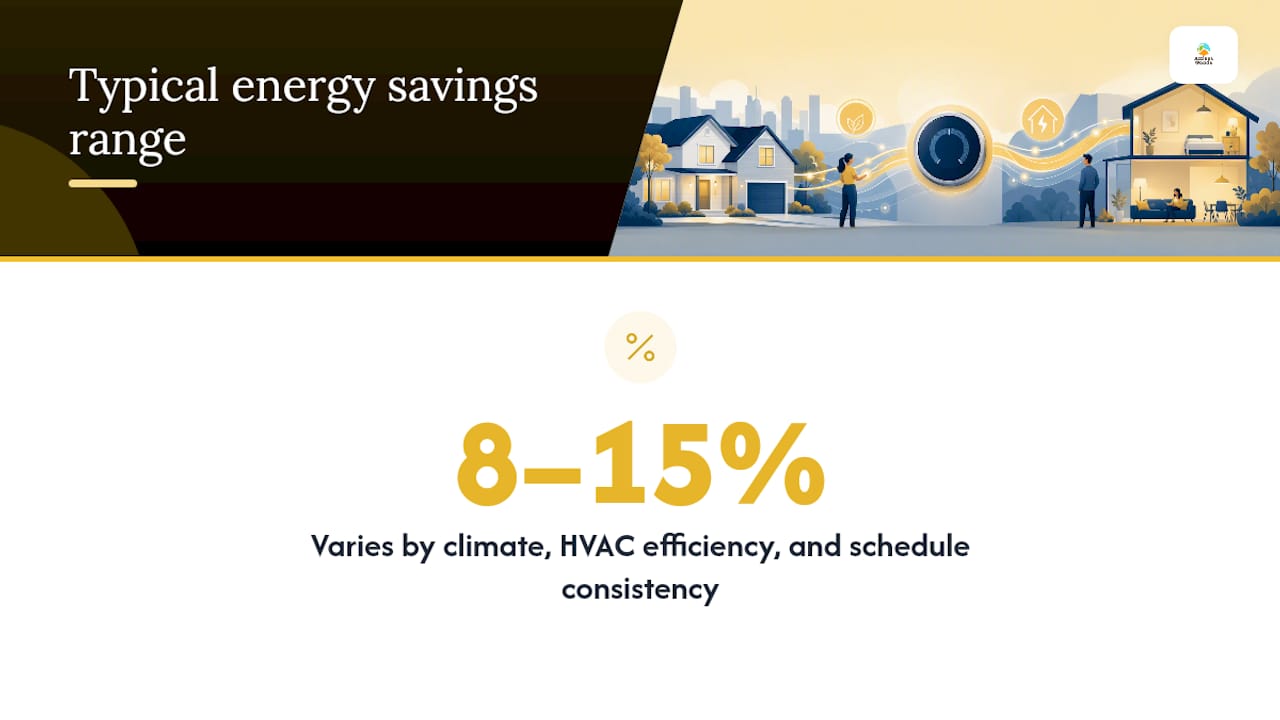
- Expect energy savings of around 8 to 15 percent, strongly influenced by climate, system efficiency, and how well you adhere to your thermostat’s schedule.
Table of Contents
- Best Smart Thermostats 2026: Ranked Shortlist
- How the Top Smart Thermostats Compare Side by Side
- How Do You Choose a Smart Thermostat That Fits Your Home?
- Do You Need a C-Wire, and What Does Installation Actually Cost?
- Why Privacy and Matter Compatibility Matter More in 2026
- How We Selected These Picks
- An Editor’s Take on the Smart Thermostat Market in 2026
- Where to Buy the Thermostats on This List
- Sources
- FAQ
Best Smart Thermostats 2026: Ranked Shortlist
Here’s the problem nobody tells you about before you buy a smart thermostat: the “best” one on paper might not even power on in your house. Compatibility, not brand loyalty, decides whether your new thermostat works on day one. With that filter applied, these are the models worth your money in 2026, ranked by who they actually serve.
Ecobee Smart Thermostat Premium is the strongest all-around pick. It ships with indoor air quality monitoring, a built-in voice assistant, and support for bundled room sensors that average temperature readings across multiple rooms. That sensor system is the real differentiator: multi-room homes see a real comfort improvement when a thermostat can read occupancy in the rooms people actually use instead of just the hallway where it’s mounted. Expect a price in the premium tier, and confirm you have a C-wire or plan to add one, since the sensor hub and display draw more power than a basic stat.
- Pros: Detailed energy reporting, occupancy-based sensor averaging, strong smart home integrations.
- Cons: Premium price, extra sensors sold separately for larger homes.
Ecobee Smart Thermostat Essential gets you onto the same platform at a lower cost. It skips the built-in voice assistant and some of the air quality extras, but keeps Ecobee’s core scheduling and remote-sensor compatibility. If you want the ecosystem without paying for features you won’t use, this is the sensible entry point.
- Pros: Lower price than the Premium, same app and scheduling logic.
- Cons: No built-in voice assistant, fewer bundled sensors.
Nest Learning Thermostat (4th Gen) is built for people who don’t want to program anything. It studies your habits for about a week and builds its own schedule from there, and the design still looks better on a wall than most competitors. Google Home integration is deep and reliable. The tradeoff is price: this is Google’s flagship, and it costs like one.
- Pros: Genuinely useful learning algorithm, premium build quality.
- Cons: Costs more than the Nest Thermostat E, no bundled room sensors.
Nest Thermostat is the budget door into the Google ecosystem. It drops the learning algorithm in favor of simpler manual scheduling but keeps solid Google Home control and a clean app. For anyone who just wants voice control and remote scheduling without paying learning-thermostat prices, it’s the most straightforward buy in the Nest lineup.
- Pros: Lowest Nest price point, easy setup.
- Cons: No auto-learning, basic scheduling only.
Nest Thermostat E sits between the two, offering Nest’s familiar interface with a simplified feature set. It’s mostly relevant if you find one at a discount, since the standard Nest Thermostat now covers similar ground at a similar or lower price.
- Pros: Familiar Nest interface, straightforward installation.
- Cons: Feature set has been largely absorbed by the newer Nest Thermostat.
Amazon Smart Thermostat is built on Honeywell hardware under Amazon’s branding, and it’s the cheapest way to get tight Alexa integration. Voice commands feel native rather than bolted on. This one is a compromise pick, not a feature leader; you’re paying for ecosystem fit, not sensors or reporting depth.
- Pros: Lowest price among Alexa-focused models, easy Alexa voice setup.
- Cons: Fewer premium features, limited room-sensor options.
Sensi Touch 2 Smart Thermostat ST76 earns its spot on HVAC compatibility alone. It handles multi-stage heating and cooling and heat-pump auxiliary heat configurations that trip up simpler thermostats. If your HVAC system is unusual (older multi-stage furnace, heat pump with backup strip heat) this is one of the safer bets on the list.
- Pros: Wide multi-stage and heat-pump support, solid app control.
- Cons: Design feels more utilitarian than Nest or Ecobee.
Sensi Smart Thermostat ST55 is the value version of the same platform. It keeps multi-stage support but trims some of the reporting extras. Good for buyers who need HVAC flexibility but don’t need every bell.
- Pros: Multi-stage support at a lower price than the ST76, reliable app.
- Cons: Fewer smart features than the ST76.
Honeywell Home X8S Smart Thermostat is aimed at pros and complex systems. It supports an unusually wide range of HVAC configurations, which is exactly why HVAC installers reach for it on client jobs. If your system is genuinely unusual, this is worth asking your installer about directly.
- Pros: Broad professional-grade HVAC compatibility, granular controls.
- Cons: Steeper learning curve for a DIY installer.
Honeywell Home X2S Smart Thermostat brings much of that Honeywell compatibility down to a normal consumer price. It won’t handle every edge case the X8S does, but for typical single-stage and standard heat-pump setups, it’s a fair middle ground.
- Pros: Honeywell compatibility without pro-tier pricing, easy app.
- Cons: Not built for highly complex or commercial-grade systems.
Honeywell Evohome is a different category entirely: a true multi-zone control system rather than a single thermostat. Each room gets its own controller, so you can heat the living room while leaving a guest bedroom cold. It’s the right answer only if you actually have zoned or radiator-based heating that can support it.
- Pros: Genuine independent room-by-room control.
- Cons: More complex and expensive setup than a single-zone thermostat.
Drayton Wiser offers a similar modular room-sensor approach, letting you add smart radiator valves and room sensors over time rather than buying a full system upfront. It’s a flexible option for homes that want to expand zone control gradually.
- Pros: Modular expansion, room-by-room sensing.
- Cons: Less widely stocked than Nest or Ecobee in the U.S.
Hive Thermostat (2024) keeps things simple: basic scheduling, remote app control, and broad availability through service bundles. It won’t wow anyone on features, but it does the job without complications.
- Pros: Simple setup, widely available.
- Cons: Fewer advanced features than Ecobee or Sensi.
Vivint Smart Thermostat typically comes bundled with a Vivint home security and automation package. If you’re already buying into that ecosystem, it integrates cleanly. As a standalone thermostat purchase, it makes less sense.
- Pros: Deep integration with Vivint’s automation platform.
- Cons: Best value only makes sense within a Vivint service bundle.
Wyze Thermostat rounds out the list as a budget-friendly option for Wyze’s own smart home ecosystem, appealing to anyone already using Wyze cameras or sensors who wants one app for everything.
- Pros: Fits neatly into an existing Wyze setup.
- Cons: Smaller feature set than Ecobee or Nest at a similar price.
How the Top Smart Thermostats Compare Side by Side
Here’s the shortlist laid out against the dimensions that actually decide whether a thermostat works in your house, not just whether it looks nice in a review photo.
Three things jump out once the models sit next to each other. First, price rarely tracks with HVAC compatibility the way people assume: the Sensi Touch 2 Smart Thermostat ST76 beats several pricier models on multi-stage and heat-pump support. Second, room sensors are increasingly the line between “good” and “great” for anyone with more than one lived-in zone, and only a handful of models on this list offer them at all. Third, ecosystem lock-in still matters more than most buyers expect. If your home runs on Alexa, the Amazon Smart Thermostat and Sensi models integrate more naturally than a Nest, no matter how good Nest’s learning algorithm is.
The energy-savings pitch is real, but it’s a range, not a promise. ENERGY STAR’s guidance and separate utility and lab field trials both point to heating and cooling savings commonly landing in the 8 to 15 percent range, with the actual number swinging hard based on your climate, your HVAC system’s efficiency, and how consistently you actually let the thermostat’s schedule run instead of overriding it constantly.
Pick the Ecobee Smart Thermostat Premium if you have more than one occupied zone and want the fullest feature set. Pick the Sensi Touch 2 Smart Thermostat ST76 if your HVAC system is a heat pump or multi-stage furnace and compatibility is your main worry. Pick the Nest Thermostat if you’re on a tight budget and already live inside Google’s ecosystem.
How Do You Choose a Smart Thermostat That Fits Your Home?
Compatibility eliminates more options than price does. Here’s the order to check things in, so you don’t fall in love with a thermostat your HVAC system can’t run.
- Read your existing wires before you shop. Pop off your current thermostat’s cover and note which terminals have wires connected: R (power), W (heat call), Y (cooling call), G (fan), and C (common wire, which powers smart thermostats continuously). No C-wire doesn’t disqualify you, but it does narrow your options or add a step.
- Identify your HVAC type specifically. Standard single-stage furnace and AC setups work with nearly everything on this list. Heat pumps need a thermostat that explicitly supports auxiliary or backup heat control, since a mismatched setting can trigger backup strip heat far more often than necessary and quietly inflate your utility bill. Multi-stage systems need multi-stage support by name, not “compatible with most systems” marketing language. Millivolt systems, line-voltage baseboard heat, and ductless mini-splits are the real exceptions. Most smart thermostats on this list don’t support them, and forcing compatibility with an adapter can be a genuine safety issue.
- Decide if you want a learning thermostat, a guided one, or a manual one. The Nest Learning Thermostat (4th Gen) is built around adaptive learning, which suits people who won’t manually build a schedule but do keep fairly consistent daily habits. Ecobee and Sensi models lean toward guided setup wizards with manual schedule editing, which suits people with irregular routines who want predictable control instead of an algorithm guessing at their day.
- Check the manufacturer’s own compatibility page before buying, not after. Independent buying guides consistently point to wiring and HVAC type as the primary filter that should narrow your list before brand preference ever enters the decision, and HVAC-focused comparison sites make the same case: compatibility first, features second.
- Look up your utility’s rebate program before checkout. Many utilities offer $25 to $100 back for ENERGY STAR certified smart thermostats, but the fine print sometimes requires enrolling in a demand-response program that lets the utility adjust your setpoint during peak grid hours. Read that clause before you enroll, since it trades a small rebate for some control over your schedule during heat waves.
Pro Tip: Photograph your wiring terminals with your phone before you disconnect anything. If you end up needing to call an HVAC tech or troubleshoot a compatibility issue later, that photo saves you from guessing which wire went where.
Do You Need a C-Wire, and What Does Installation Actually Cost?
Most smart thermostats require a continuous power source for their screen, Wi-Fi radio, and processor, typically supplied by a common wire (C-wire). Some older HVAC systems may not include such wiring, which can complicate installation or necessitate additional hardware or wiring solutions.
You have three real options if you don’t have a C-wire:
- Use a power extender kit (PEK) or adapter. Several manufacturers, including Honeywell and the Amazon Smart Thermostat, include an adapter in the box specifically for this scenario. It’s not a full substitute for a dedicated C-wire, but it works for many single-stage systems.
- Try “power stealing” mode, cautiously. Some thermostats can draw tiny amounts of power through existing wires without a C-wire. This approach can cause furnace clicking, flickering displays, or an unresponsive thermostat on systems that don’t handle it well, so it’s a workaround, not a fix.
- Have an electrician or HVAC tech run a dedicated C-wire. This is the most reliable long-term solution. Typical costs for a professional C-wire installation run roughly $100 to $200, depending on wall access and how far the wire has to travel between your furnace and thermostat location.
Basic thermostat installation costs vary by region and whether you’re paying for just the swap or a full wiring diagnosis, but budgeting for a service call in addition to the thermostat’s price is realistic if your wiring is anything but straightforward.
Line-voltage systems (common in older electric baseboard heat) and ductless mini-splits are a separate problem entirely. Most smart thermostats on this list are low-voltage devices and simply aren’t built for either. If you have either system, look specifically for a thermostat rated for line-voltage or mini-split control, or talk to an HVAC tech before buying anything on this list.
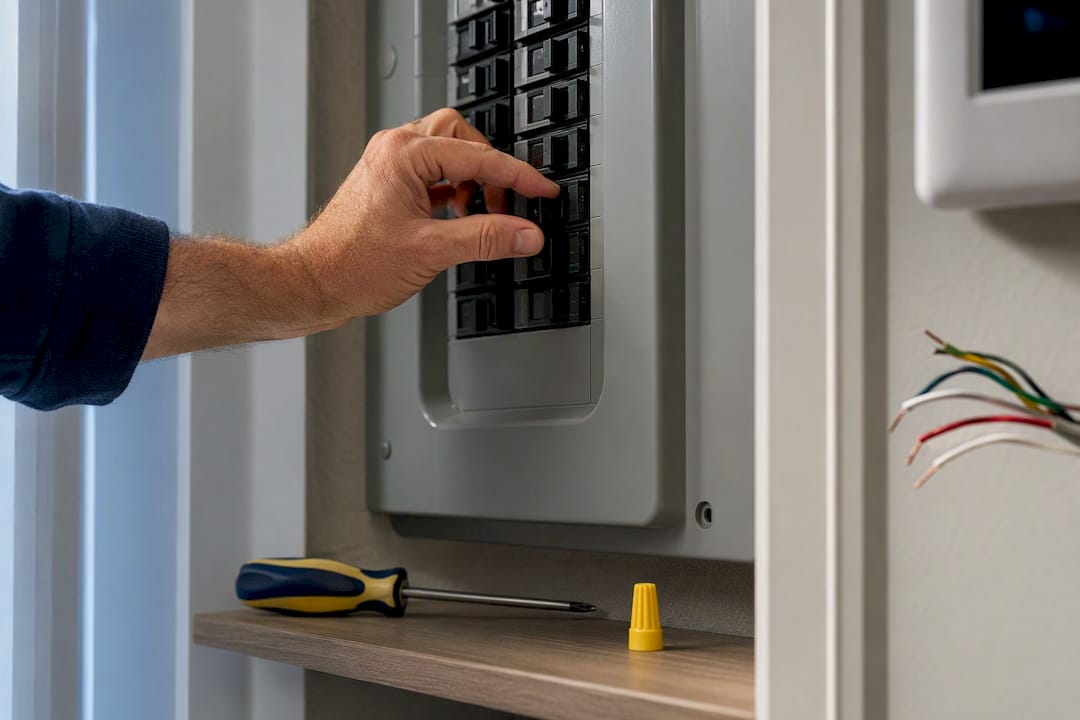
Before you touch any wiring, turn off power to your HVAC system at the breaker, not just at the thermostat. Take that wiring photo mentioned earlier, and if you’re not confident identifying every wire, hiring a licensed tech for an hour is cheaper than a fried control board.
Why Privacy and Matter Compatibility Matter More in 2026
Smart thermostats have quietly become a data question as much as a comfort question. Every major model on this list connects to the cloud, learns your schedule, and in some cases shares usage data with your utility as part of a rebate agreement. Industry reporting increasingly treats privacy as a functional spec rather than a footnote, and that shift shows up in how buyers evaluate these devices now compared to five years ago.
Matter, the cross-brand smart home standard, is the practical answer to one specific headache: buying a thermostat that only talks to one ecosystem and then getting locked out of switching later. A Matter-compatible thermostat can generally work across Google, Amazon, and Apple platforms without needing separate hubs for each, which matters most if your household runs a mixed setup, say an iPhone for the family and an Alexa speaker in the kitchen.
A few practical things to check before you buy:
- Look for a local control option, meaning the thermostat can still run its basic schedule even if your internet or the manufacturer’s cloud service goes down.
- Check for an explicit privacy toggle that lets you opt out of data sharing with third parties, not just the manufacturer.
- Read the rebate program’s data-sharing clause carefully. Some utility demand-response rebates require sharing usage data or granting temporary setpoint control in exchange for the incentive, and that tradeoff isn’t always disclosed up front.
- Confirm Matter or multi-protocol support if you’re not fully committed to one ecosystem yet, since it’s cheaper to buy right once than to replace a thermostat when you switch phones.
Pro Tip: If you’re mixing ecosystems (iOS phone, Google speaker, Alexa in another room), prioritize a Matter-listed model over one that only advertises single-platform integration. It’s the difference between switching apps years from now and starting over.
How We Selected These Picks
This shortlist was built around five weighted criteria: wiring and HVAC compatibility (the heaviest weight, since it determines whether a thermostat works at all), app and interface usability, ecosystem integrations, room-sensor availability, and price relative to feature set.
- Manufacturer compatibility pages were checked for each model’s supported HVAC configurations, including heat-pump auxiliary heat and multi-stage support.
- ENERGY STAR’s smart thermostat guidance informed the energy-savings ranges cited above and the emphasis on compatibility as a prerequisite, not an afterthought.
- PCMag’s hands-on testing of current models, including detailed looks at the Ecobee Smart Thermostat Premium’s sensor and air-quality features, corroborated feature claims made in the product profiles above.
If you want to verify a specific model against your own system before buying, run it through the manufacturer’s own compatibility checker tool using your wiring photo. That five-minute step catches most mismatch problems before they become a return shipment.
An Editor’s Take on the Smart Thermostat Market in 2026
Most buying guides still rank smart thermostats by feature count, as if a longer spec sheet automatically means a better fit. It doesn’t. The single biggest mistake I see repeated in reader questions and return-rate complaints is buying based on brand recognition, then discovering the heat pump’s auxiliary heat runs constantly because the thermostat wasn’t built for that configuration. Compatibility isn’t a checkbox. It’s the whole decision.
The privacy conversation deserves more weight than most 2026 coverage gives it. A thermostat that shares your occupancy patterns with a utility demand-response program isn’t necessarily a bad deal, but it is a deal, and most buyers accept it without reading what they traded away. Matter support helps here, not because it’s flashy, but because it gives you an exit if a manufacturer’s cloud policies change later.
A broad range of the models covered here is available from a single retailer, which matters for one practical reason: comparing wiring accessories and sensor add-ons side by side, in one checkout, beats hunting across five different manufacturer sites.
— Matthew Vista
Where to Buy the Thermostats on This List
Every model covered above, along with the wiring accessories and room sensors that make them actually work in your house, is worth cross-shopping in one place instead of five different manufacturer storefronts. A wide range of consumer electronics and smart home gear with fast, next-day shipping across the United States is available, which matters more than it sounds like when you’ve already scheduled an HVAC tech and don’t want to wait a week for a power adapter to show up.

Before you check out, take a second look at your wiring notes from the buying guide above and confirm whether you need a power extender kit or a C-wire adapter bundled with your order. If your home runs on a mixed ecosystem, this is also the moment to check that Matter compatibility box one more time. Browse the current lineup and accessories at Atticus Goods and get your order moving toward next-day delivery.
Sources
- ENERGY STAR Smart Thermostat FAQ
- Smart Homes won’t scale until the privacy problem is fixed — Forbes
- The Best Smart Thermostats We’ve Tested for 2026 | PCMag
FAQ
Do I Need a C-Wire for a Smart Thermostat?
Not always, but it’s the most reliable setup. Many smart thermostats include a power adapter or support power-stealing as a workaround, but a dedicated C-wire avoids issues like furnace clicking or an unresponsive display that some systems experience without one.
How Much Energy Can a Smart Thermostat Actually Save?
Savings commonly fall in the 8 to 15 percent range on heating and cooling costs, according to ENERGY STAR guidance and separate utility field trials. Your actual savings depend heavily on your climate, your HVAC system’s efficiency, and how consistently the schedule runs without manual overrides.
What Does Matter Compatibility Actually Do for Me?
Matter lets a single smart thermostat work across Google, Amazon, and Apple smart home platforms without needing separate hubs for each ecosystem. It matters most for mixed-ecosystem households and protects you from being locked into one platform if you switch phones or speakers later.
Is a Learning Thermostat Better Than a Programmable One?
It depends on your routine, not on which is objectively “better.” A learning thermostat like the Nest Learning Thermostat (4th Gen) suits people with consistent daily habits who don’t want to build a schedule manually, while guided or manual models like the Ecobee and Sensi lineups suit people with irregular schedules who want predictable, editable control.
Where Can I Buy These Smart Thermostats With Fast Shipping?
Atticus Goods carries a broad selection of the models covered in this guide, along with the wiring adapters and room sensors many of them require, with next-day shipping available across the United States. Current prices and availability for specific models are listed on the Atticus Goods storefront.